Rockets
STEM Launches
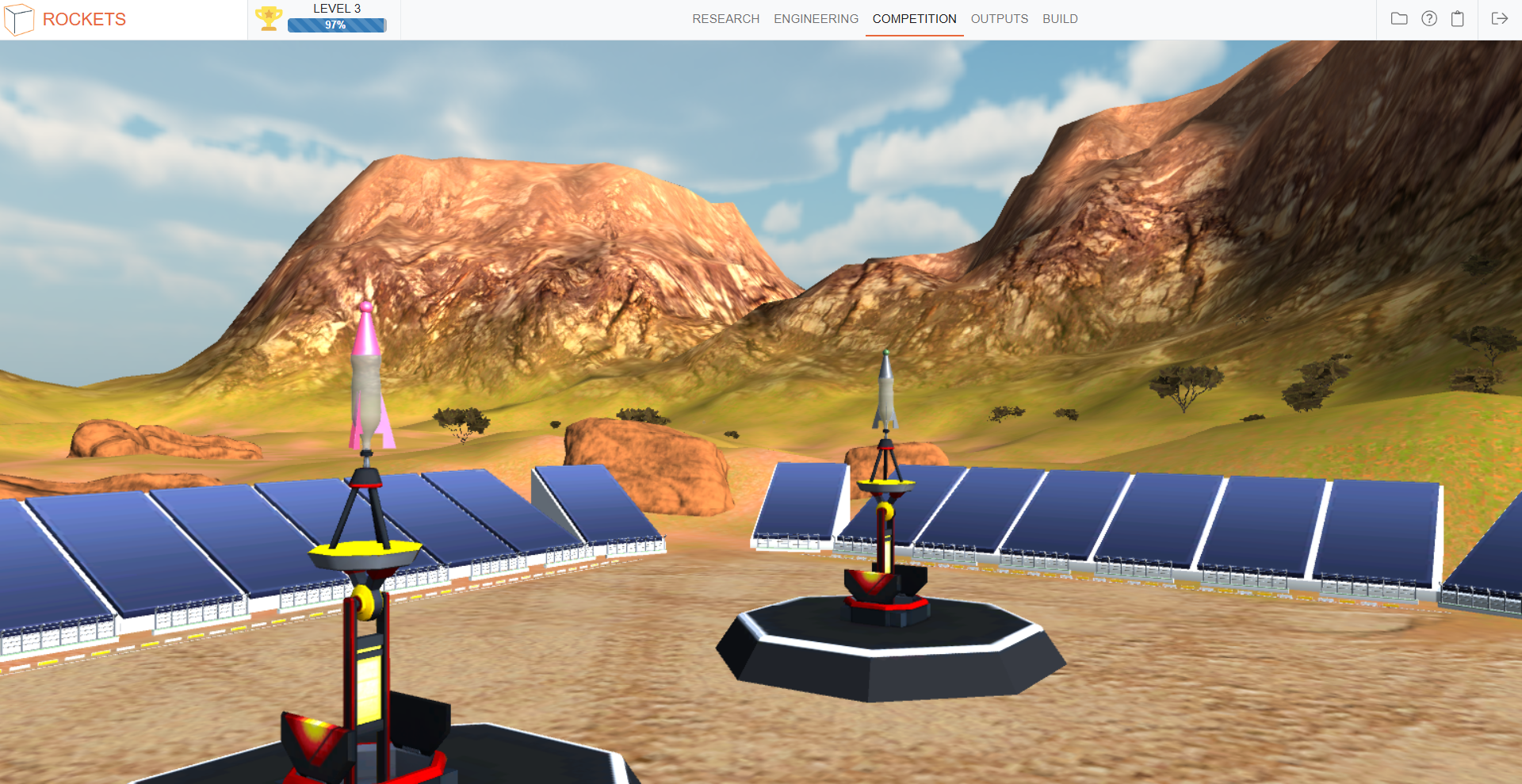
A standards-based, cloud-based virtual modeling STEM application that guides students through an engaging, realistic water rocket development process capped by a very cool Airshow -- all before building their actual water rockets.
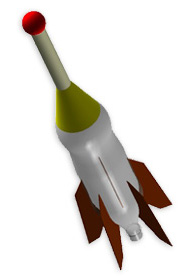
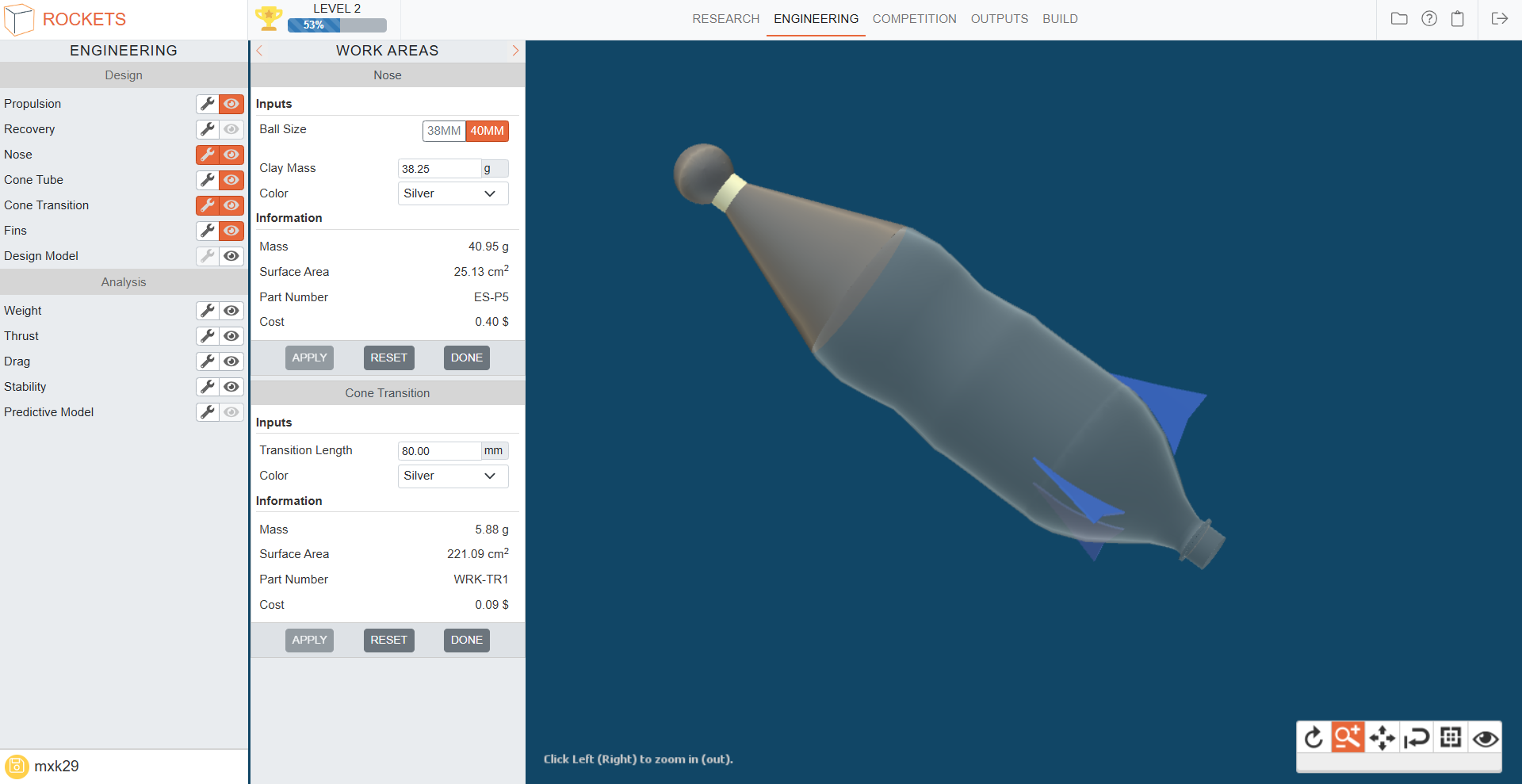
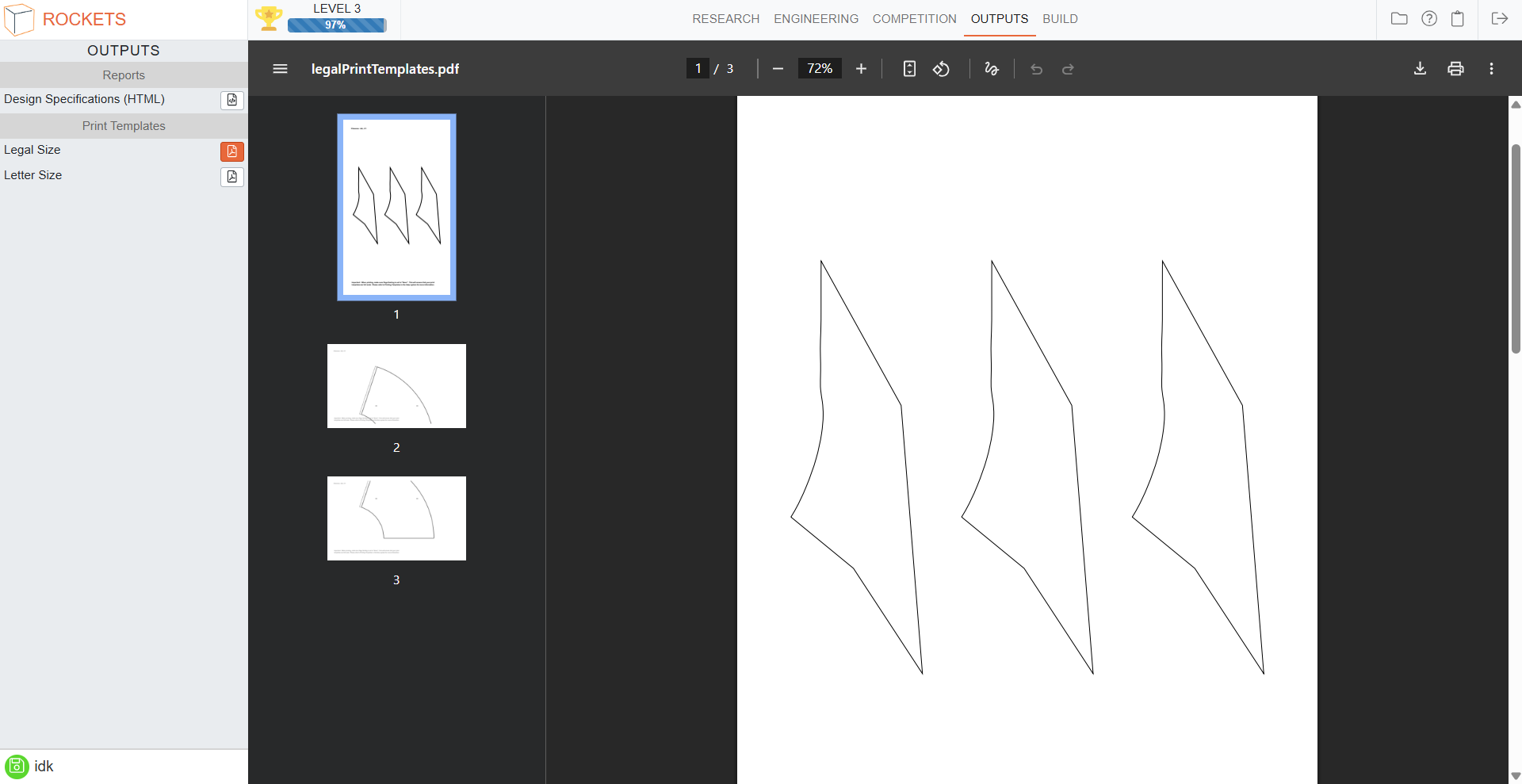
A 3-D model is literally developed in minutes! The simplicity of the modeling process puts focus where it belongs - learning the critically important science, technology, engineering and math (STEM) that lives just below the surface. And it's completely web-based ... how cool is that? Then, "connecting the virtual to the physical", students can print custom templates to build their actual water rockets.
For pricing information please contact customercare@whiteboxlearning.com.
Product Demo
How it Works

Benefits
- Teacher-Directed Curriculum
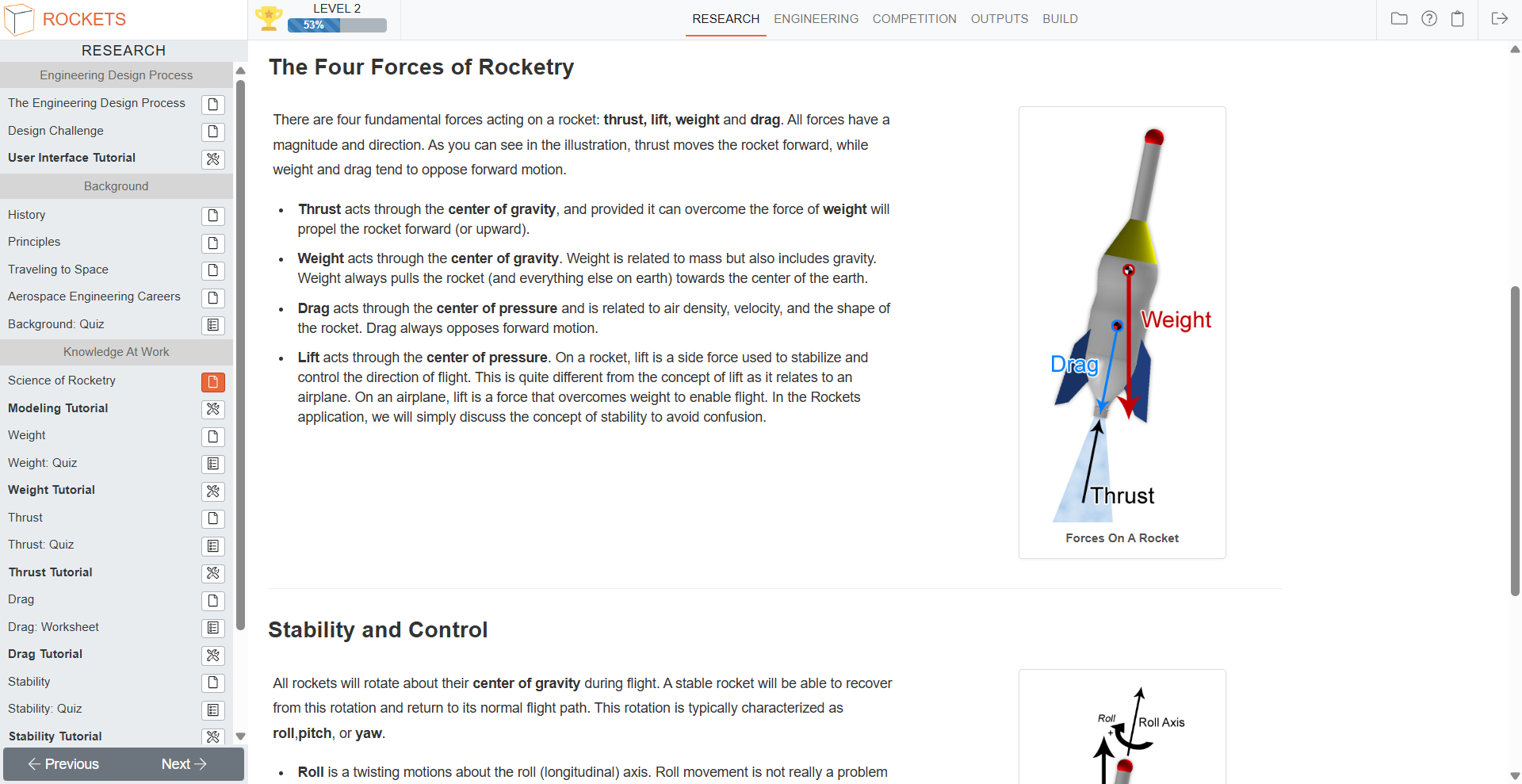
- The learning system puts teachers in control. Teachers can adjust the content level to meet the varied learning needs of Middle and High School students. Achievement and performance reports help teachers guide student learning.
- Standards-based, STEM Knowledge
- The application encompasses a high quality standards-based curriculum that enhances the development of fundamental science, technology, engineering, and math (STEM) knowledge.
- Comprehensive Suite of Tools
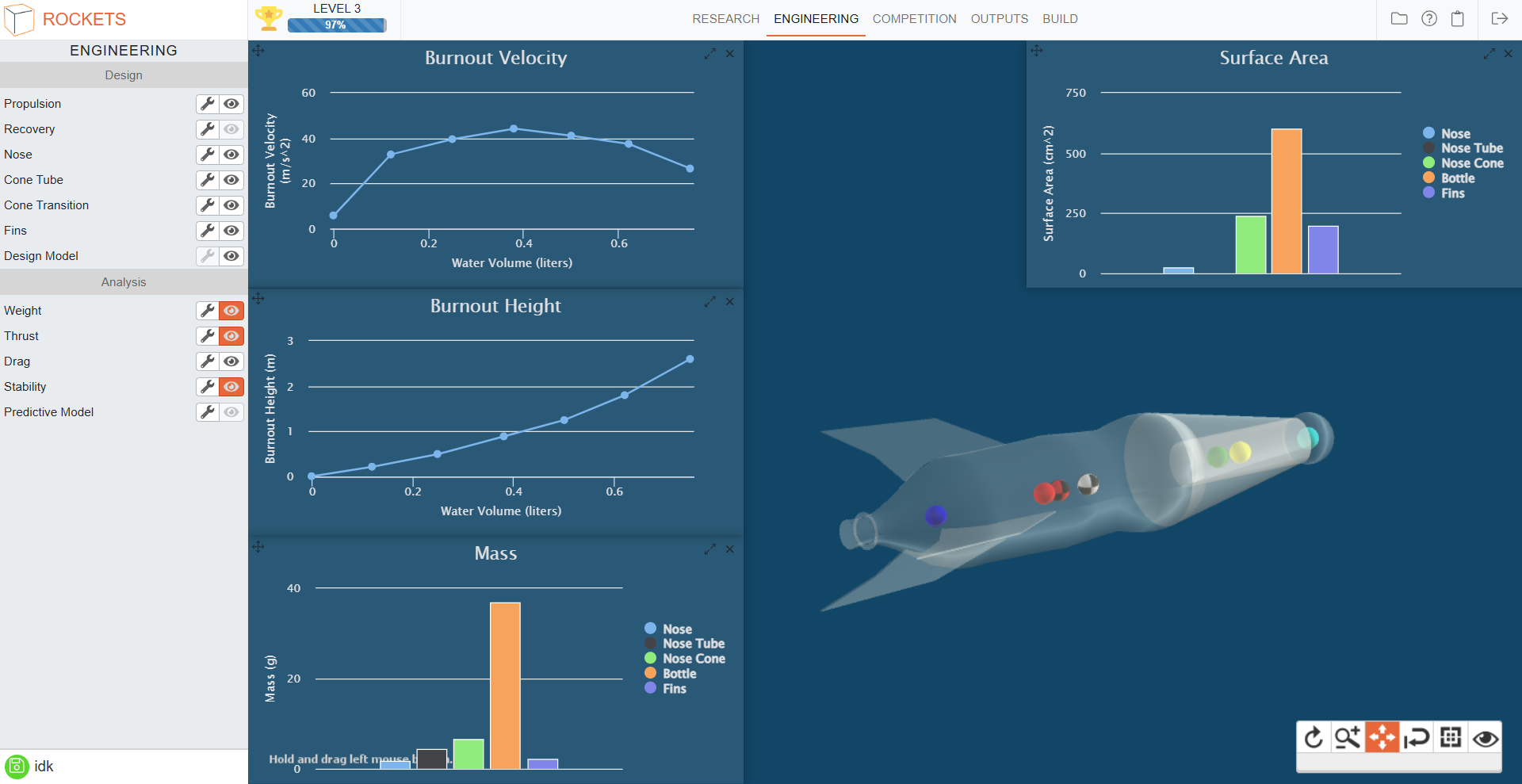
- The system contains a fully integrated suite of CAD, analysis, and content delivery tools - all within a common, easy-to-use interface.
- Time, Focus, and Confidence
- Students have time to focus on making theory actionable. This enables learning, and ultimately yields confidence.
- Exciting Web 2.0 Interface
- Because the system is web-based, it's accessible from anywhere. It's also built with the most advanced web-based tools available. This provides teachers with the flexibility they deserve, and students with the "wow factor" they expect.
System Requirements
Rockets is a web-based product. All modern browsers are supported, including:
- Microsoft Edge: version 18 and higher
- Google Chrome: version 61 and higher
- Firefox: version 60 and higher
- Safari: version 12.1 and higher
The application may still work in older browser versions but support for those is not guaranteed.
We recommend using a computer with a minimum screen resolution of 1280 x 720. We do not recommend iPads as screen size can be issue when sketching and displaying 3d models.